

Best Practices for Corporate Videography in 2026
Table of Contents
- Pre-Production: The Corporate Video Brief and Shot List
- Essential Technical Equipment and Lighting Setup for Corporate Video
- How Long Should a Corporate Video Be? Matching Length to Platform
- Corporate Video Script Templates and Storytelling Structure
- Post-Production: Editing Workflow, Color Grading, and Sound Mixing
- Corporate Video Production Budget Breakdown: Where the Money Goes
- Distribution, SEO for Video, and Measuring ROI
- Legal Compliance, Accessibility, and AI Workflows in Corporate Videography
- Frequently Asked Questions
Last Updated: September 20, 2026
Pre-Production: The Corporate Video Brief and Shot List
Great corporate videography starts long before anyone touches a camera. Pre-production defines what success looks like, who the audience is, and how every shot serves the business goal. Skip it, and you get expensive footage that never converts.
Setting Objectives and Defining the Video Brief
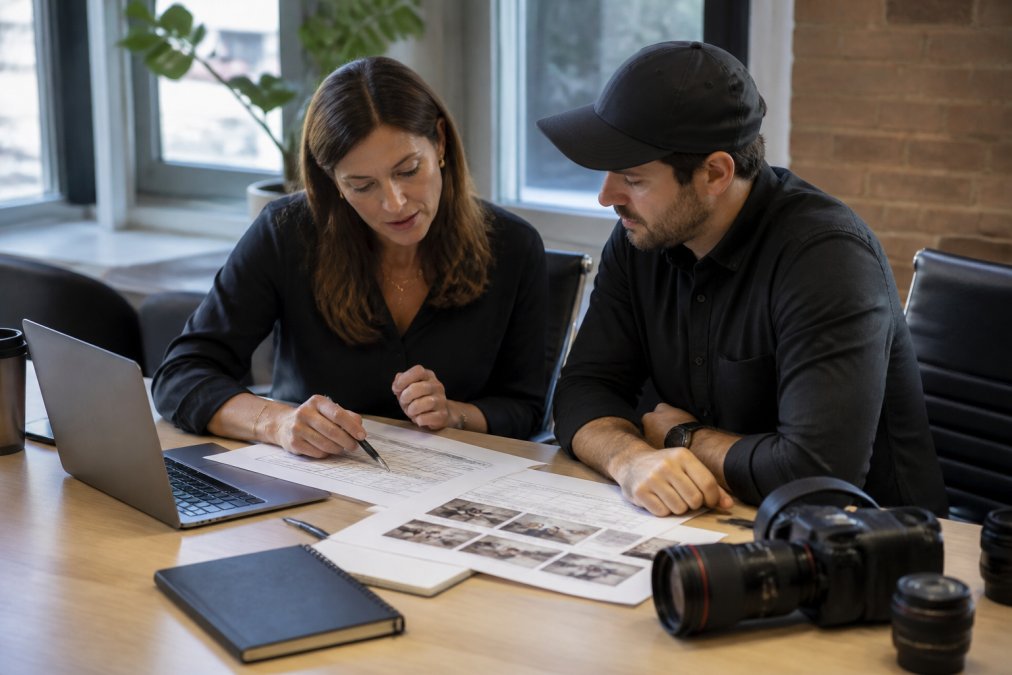
A corporate video brief states the objective, target audience, key message, distribution channels, and success metrics before production begins. Without one, stakeholders judge the final cut on personal taste instead of agreed criteria.
Practical brief components:
- Primary objective (recruit, sell, train, or build brand awareness)
- Audience and where they will watch
- Single core message, stated in one sentence
- Call to action and its placement
- Approval chain and revision limits
Name one decision-maker in the brief. Projects with three or more approvers routinely stall for weeks in review, and the footage ages before it ever ships.
Building a Shot List and Production Scope
A shot list maps every scene, camera angle, and interview setup to a specific purpose in the edit. Production scope is the boundary around it: locations, talent, and shoot days.
Essential Technical Equipment and Lighting Setup for Corporate Video
Reliable technical equipment matters more than expensive equipment. A consistent, well-lit interview shot on a mid-range camera beats a shaky, poorly lit shot on a flagship body.
Camera, Lens, and Frame Rate Choices
For corporate interviews, a 50mm or 85mm lens at a wide aperture separates the subject from a distracting office background. Shoot 4K at 24fps for a cinematic feel, or 30fps beside screen recordings. Match frame rates across all cameras, because mismatched rates cause flicker and stutter in the edit.
Lighting Setup and Audio Quality Fundamentals
Audio quality sinks more corporate videos than bad framing. Viewers forgive soft focus; they abandon echoing, hissing sound within seconds.
- Lighting setup: key light at 45 degrees, fill light to soften shadows, backlight to separate talent from the wall
- Lavalier microphone: clip it 15-20 cm below the chin, hide the cable under the collar, and always record a backup track
- Room treatment: soft furnishings and carpet reduce reverb; glass-walled conference rooms are the worst offenders
Never rely on a camera-mounted microphone for interviews. It picks up room echo and HVAC hum, and no amount of sound mixing fully removes either.
How Long Should a Corporate Video Be? Matching Length to Platform
The right length depends on where the video lives and what it must accomplish. A brand story and a LinkedIn teaser are different products with different attention budgets.
| Platform | Ideal Length | Primary Goal |
|---|---|---|
| Website homepage | 60-90 seconds | Brand identity |
| Social media feed | 15-30 seconds | Audience engagement |
| Sales enablement | 2-3 minutes | Conversion support |
| Event recap | 90 seconds | Recap and shareability |
| Training module | 5-10 minutes | Retention and comprehension |
Corporate Video Script Templates and Storytelling Structure
A reusable template:
[HOOK – 0:00-0:10] A striking statement or question that names the audience’s problem.
[PROBLEM – 0:10-0:35] The cost of the status quo, told through one concrete example.
[SOLUTION – 0:35-1:30] How the company solves it, shown rather than claimed.
[PROOF – 1:30-2:15] Customer voice, data, or a demonstration.
[CTA – 2:15-2:30] One clear next step.
Piece to Camera, Talent Direction, and B-Roll Planning
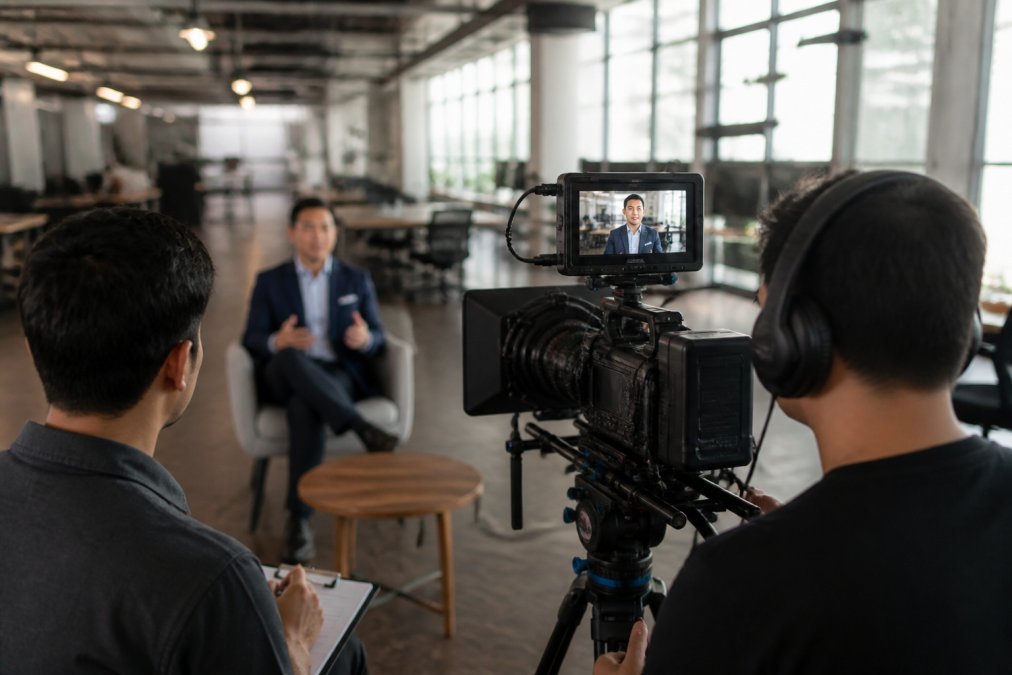
A piece to camera is a segment where a spokesperson speaks directly to the lens, the fastest way to build trust with an audience. Most executives freeze on their first take, so plan for it.
- Give talent the message, not a memorized script
- Roll camera before the “real” take so they settle
- Ask the same question three different ways
- Capture b-roll of hands, screens, and workspaces to cover every cut
Talent direction is coaching, not commanding. Executives who feel rushed look rushed on camera, and viewers read that as insincerity.
Post-Production: Editing Workflow, Color Grading, and Sound Mixing
Post-production turns raw footage into a finished asset through four stages: assembly, rough cut, fine cut, and finishing. Workflow efficiency here determines whether you deliver in two weeks or two months.
Corporate Video Production Budget Breakdown: Where the Money Goes
Pricing for corporate video production depends on scope, shoot days, locations, and post-production complexity, so no two projects quote the same. What stays consistent is where the budget goes.
Typical allocation across a corporate video production budget breakdown:
- Pre-production (15-20%): scripting, planning, casting, location scouting
- Production (40-50%): crew, equipment, talent, travel, insurance
- Post-production (30-35%): editing, color grading, sound mixing, motion graphics
- Contingency (5-10): reshoots, schedule shifts, extra revisions
Do not approve a quote that lists only a total figure. Ask for a line-item breakdown, because vague quotes hide the reshoot and revision costs that appear later.
Distribution, SEO for Video, and Measuring ROI
A finished video that nobody watches is an expense, not an asset. Distribution strategy determines whether your production budget returns anything, and most corporate teams underinvest here after overinvesting in production.
Distribution Strategy by Channel
One master video rarely performs across every platform. Plan the distribution cut list before the shoot, because it changes what you capture on set.
- Website and landing pages: host the full-length version, embed it above the fold, and pair it with a text transcript for search indexing.
- LinkedIn and other professional networks: cut a 30-60 second version with burned-in captions, since most feed viewing happens on mute.
- Email and sales outreach: a 60-90 second cut with a thumbnail that reads clearly at small sizes.
- Events and presentations: a 90-second recap that can loop without sound.
- Paid media: platform-native cuts at the aspect ratios each ad system prefers, with the hook in the first three seconds.
Video SEO Fundamentals
Video optimization starts with the file and the page around it. Use a descriptive filename, write a title and description that reflect what the video actually shows, and add accurate captions, search engines index caption text, and captions also serve accessibility. Host on a platform that supports custom thumbnails and schema markup. Google’s video SEO documentation explains how to help search engines index and surface video content, including the structured data that makes a video eligible for rich results.
Measuring ROI Beyond Views
Views are a vanity metric on their own. The metrics that justify the production budget are the ones tied to pipeline and revenue:
- View-through rate past the halfway mark, a proxy for whether the message holds attention.
- Click-through on the call to action, the bridge from watching to acting.
- Assisted conversions, deals where the video page appeared earlier in the buyer’s journey, tracked through your analytics and CRM.
- Sales conversations that reference the video, ask the sales team directly; this is the most underreported signal.
- Cost per qualified lead, total production and distribution spend divided by leads the video sourced or assisted.
If you cannot name the conversion event a video is supposed to drive before you shoot it, you are not measuring ROI, you are measuring applause.
Legal Compliance, Accessibility, and AI Workflows in Corporate Videography
Three areas separate professional corporate videography from hobbyist work: legal clearance, accessibility, and modern production workflows. Most guides skip all three, which is why they are worth getting right before the camera rolls.
Legal Clearance and Compliance
Every person who appears on camera needs a signed talent release, and every location needs a signed location release. A release should grant the company the right to use the footage in perpetuity, across all media, in any market, signed before the shoot day, not after. Verbal permission is not a release, and a handshake on set will not survive a legal review six months later.
Accessibility and Inclusivity
Accessibility is not a nice-to-have. Accurate closed captions, a downloadable transcript, and a descriptive title card make a corporate video usable by a much larger audience, including viewers who watch with sound off. Captions should be human-reviewed, not auto-generated and shipped, because names, product terms, and acronyms are exactly what automated tools get wrong.
AI-Assisted Production Workflows
AI now handles the repetitive parts of corporate video production well enough to change the schedule. Use it for:
- Script drafting and outlines: generate a first-pass structure from the brief, then rewrite for brand voice.
- Automated transcription: produce a searchable transcript that doubles as caption source and edit notes.
- Rough-cut assembly: tools that detect silence, scene changes, and speaker turns can build a first assembly in minutes.
- Caption generation: AI drafts, a human reviews for names and jargon.
- B-roll tagging: auto-tagging makes a large asset library searchable without manual metadata entry.
Legal clearance, accessibility, and AI workflows are not separate checklists. They are the three areas where a corporate video either holds up under scrutiny or falls apart after delivery.
Frequently Asked Questions
What should a corporate video include?
A corporate video should open with a clear hook tied to your brand identity, introduce the people or product at the center of the story, and close with a specific call to action. Include professional audio, consistent color grading, and on-screen text that reinforces key points for viewers watching without sound. B-roll of your actual workplace and team builds more trust than stock footage, and keeping the piece focused on one message keeps audience engagement high.
How do you plan a corporate video production budget?
Start with the video brief and production scope, then allocate across pre-production, crew, equipment, talent, locations, post-production, and licensing. A corporate video production budget breakdown typically weights post-production heavily because editing, color grading, and sound mixing consume significant hours. Build in a contingency for reshoots and revision rounds. Pricing depends on quantity, dates, and delivery, so request a quote rather than relying on generic estimates.
What is the standard length for a corporate promotional video?
It depends on where the video will run. A social media teaser often works best at 15 to 30 seconds, a homepage brand film at 60 to 90 seconds, and a training or explainer video at 2 to 4 minutes. The question of how long should a corporate video be is really a question of platform and intent: shorter for paid social where attention drops fast, longer for sales enablement where viewers opt in. Match length to the channel, not to a universal rule.
How do you prepare employees for on-camera interviews?
Send questions in advance so talent can think through answers without memorizing a script. Run a short rehearsal on set to test lavalier microphone placement and lighting before rolling. Direct talent to speak in complete sentences and pause between answers, which gives editors clean cut points. Most people relax after the first few minutes, so start with easy warm-up questions and save the substantive answers for later in the session.
What are the legal considerations for corporate video releases?
Get signed talent release forms from every person who appears on camera, including employees, and secure location releases for any private property you film. Music and stock footage need commercial licenses that cover the platforms you plan to publish on. If your video makes claims about a product or service, review them for accuracy before release. Keep signed releases on file so you can prove clearance if a distribution platform or client requests it.
How does professional lighting impact corporate video quality?
Lighting determines whether a corporate video looks polished or amateur. A basic three-point lighting setup (key, fill, and backlight) separates the subject from the background and removes harsh shadows on faces. Color temperature consistency matters too: mixing daylight and tungsten sources without correction creates a color cast that color grading has to fix in post. Even a modest lighting kit, used consistently, raises perceived production value more than an expensive camera body.